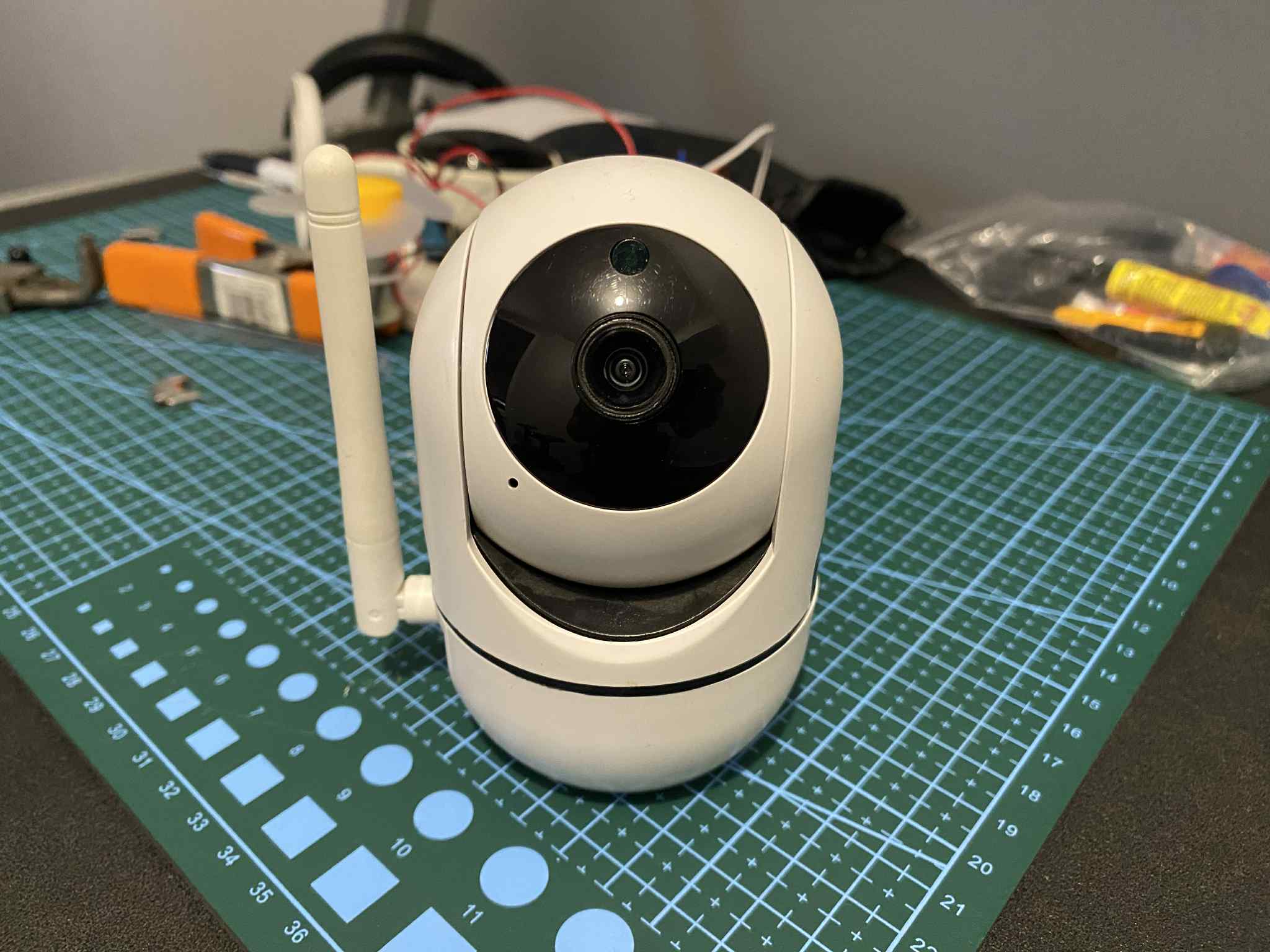
If you have an IP camera someone could be watching you.
One of the things drilled into me during my SWE30011 IoT Programming unit is that IoT devices are naturally vulnerable to threats. My IP camera, for instance, requires an account to access through its app, so on the surface, it feels safe enough. But I got curious. What’s actually going on under the hood?
So I grabbed my laptop and ran a quick port scan against the camera’s local IP address.
1 | nmap x.x.x.x # camera's local ip address |
Among the results was port 554.The default port for RTSP (Real Time Streaming Protocol). RTSP is the protocol that handles live video and audio streams. It should either be closed entirely or locked behind authentication. Mine was wide open.
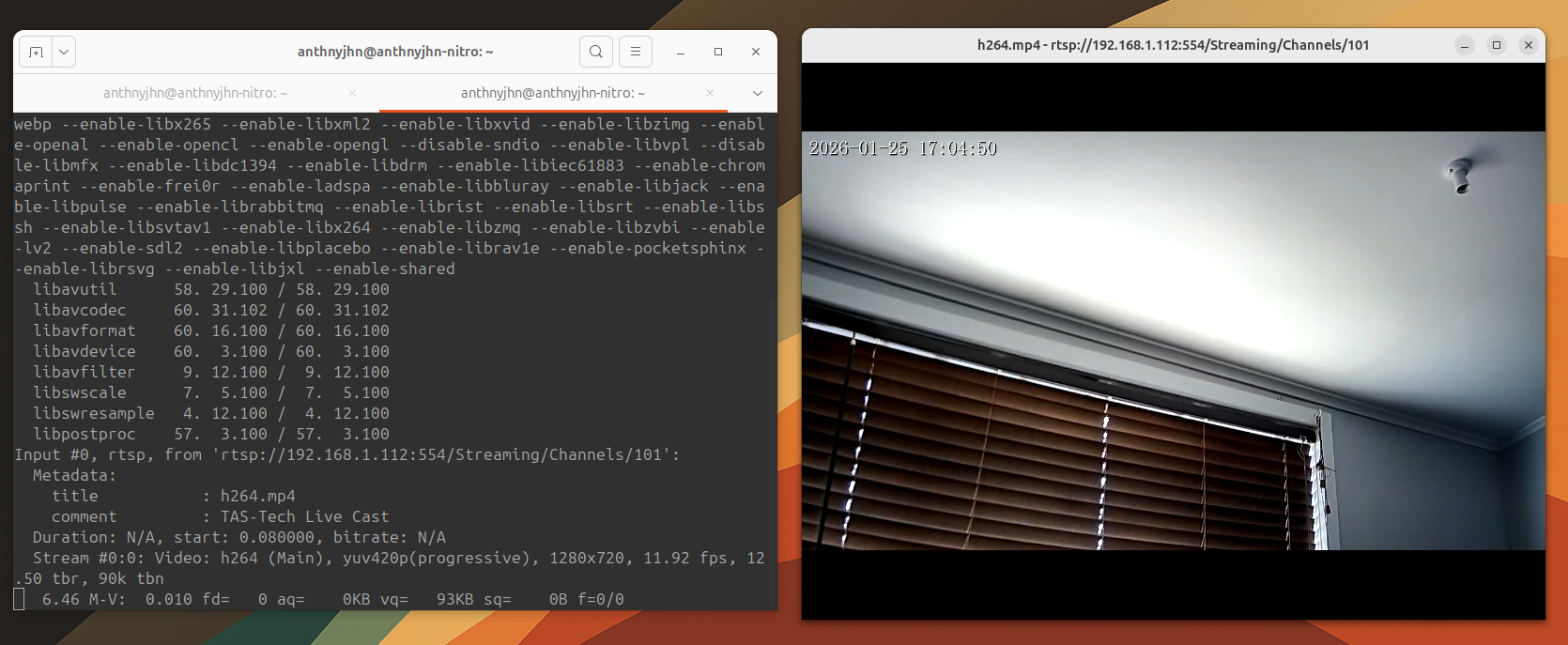
A bit of Googling led me to an article from SportRadar here of RTSP stream URLs for various security camera manufacturers. I started feeding them one by one into ffplay and hoping for the best.
1 | ffplay -rtsp_transport tcp rtsp://x.x.x.x:554/Streaming/Channels/101 |
It worked. My own camera’s live feed, streaming directly to my laptop. No login. No prompt. Nothing.
Why Does This Happen?
The short answer: cost-cutting and sloppy engineering. Manufacturers rush these devices to market with the bare minimum. A working app, a decent enough UI and security becomes an afterthought. Leaving RTSP unauthenticated isn’t a bug they missed. It’s a corner they chose not to care about.
What I Can Do About It
Option 1 — Isolate the camera on its own virtual router. This keeps the camera on a separate network segment so that no one is able to connect to the virtual router it is connected to. No local connection = safe :)
Option 2 — Replace the camera and get a reputable ip camera brand. It might just be time to replace it with something from a manufacturer that actually takes security seriously.
The scariest part of all this isn’t that I found the vulnerability. It’s how easy it was.